
Windows software · v0.7.1
Janus
Codex Auto Selector
Connect supported providers or local models and compare routing choices before sending work.
- Balanced, quality, cost and speed comparison
- Task, model and connection workspaces
- Existing presets, client hooks and reviewed code checks
$9.99 USD · One-time purchase; confirm current terms at the official destination.
Routing estimates are guidance. Provider subscriptions, API usage and optional tools remain separate.

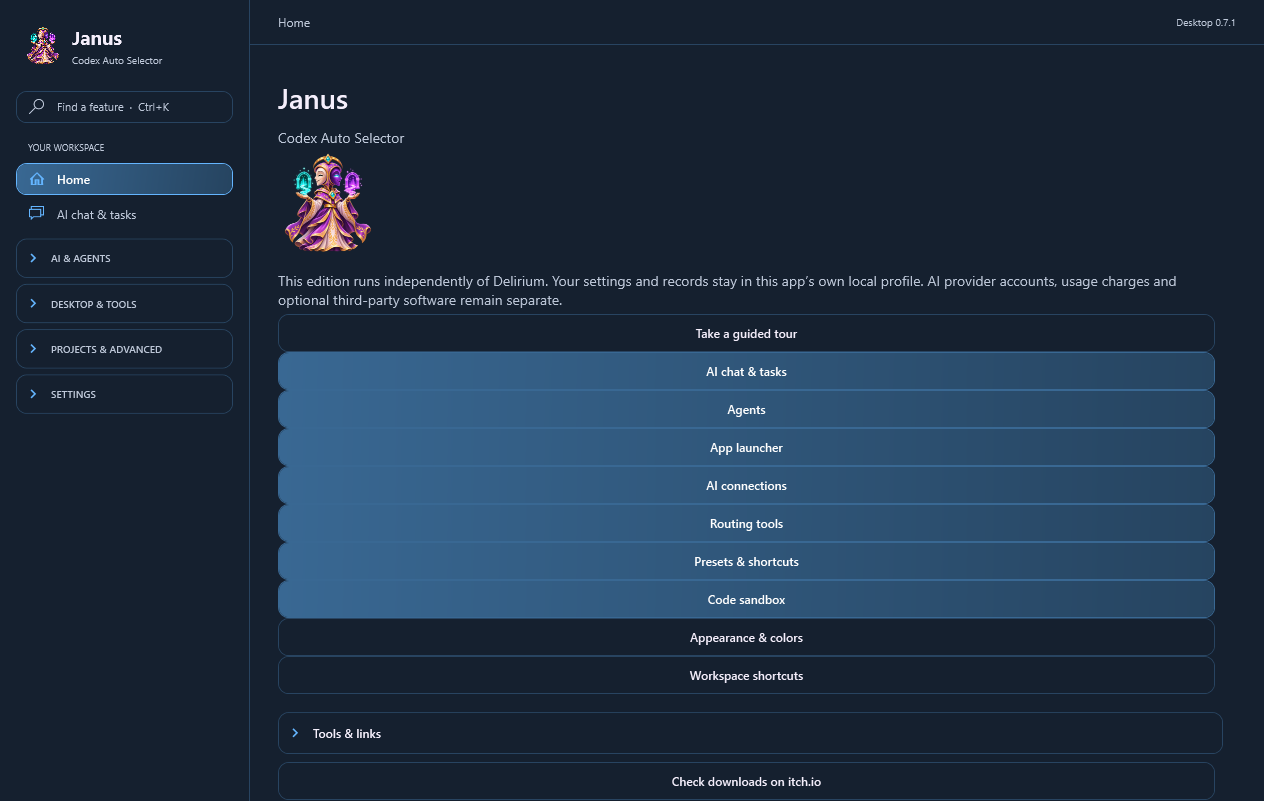
Before you download
Visit the official product page for current files, compatibility details and purchase terms. The artwork on this page depicts the app’s Guide.
View Janus on its official product page ↗Focused app or Delirium?
| Choose by need | Focused standalone app | Delirium |
|---|---|---|
| Best starting point | One primary workflow | Several creative and utility workflows |
| Access | Runs without a separate Delirium purchase | Suite access; included workspaces use your Delirium access |
| Outside services | Use your own accounts and plans | Use your own accounts and plans |
| Compare details | Choose an app | Official suite features ↗ |
Compatibility & updates
Platform: Windows, 64-bit. Current catalog version: 0.7.1.
- Keep the complete downloaded package together. Optional services use your own accounts, permissions and plans.
Install & update
- Download the current package from the official product destination.
- Extract the entire ZIP into a new folder; keep its included folders together.
- Open CodexAutoSelector.exe and start with its Guide or guided tour.
- For updates, close the app, keep private backups of your existing work, and extract the new complete package into a fresh folder.
Routing scores, speed and relative costs are estimates. Policy comparison does not itself send an inference request. RAM, graphics and storage minima are not specified here because a tested minimum has not been established.
Download Janus quick start →Questions about access?
Do I need Delirium to use a focused app?
Standalone apps run without a separate Delirium purchase. Compare the official product terms before choosing.
Are external services included?
Provider plans, credits, games and optional external software remain separate.
Where can I get installation help?
Contact Aurorabyss with the app name, version and a description of the issue. Never send passwords or payment details.